Close a SIM
Close a SIM you no longer need, or one that was lost or stolen, so it stops costing a monthly fee. You can’t undo this.
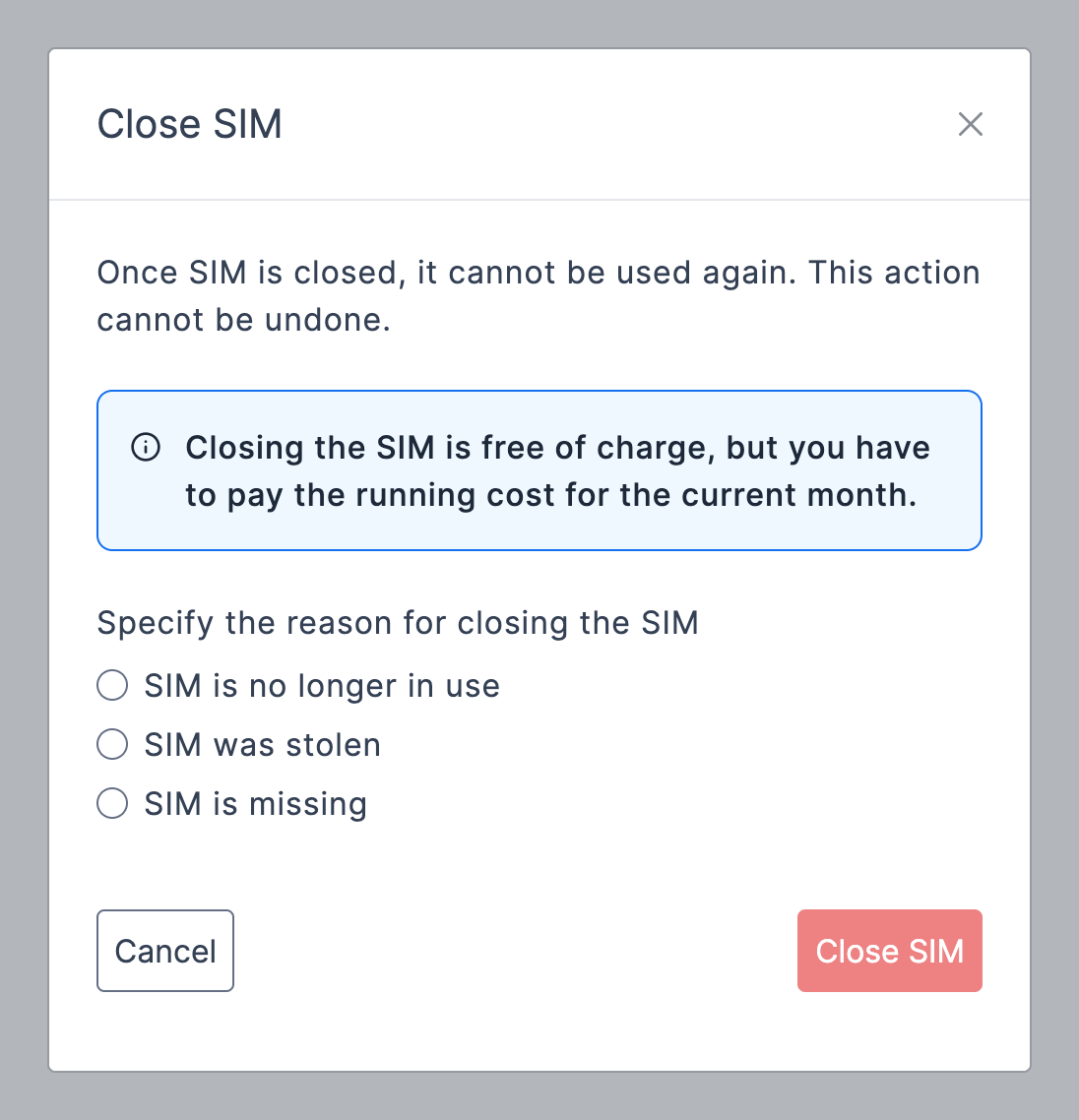
A closed SIM can never be used again, and you can’t reopen it. You still pay the SIM’s fee for the current month. If the SIM is still in Shipping, you pay one month of the Live fee.
Before you start
- You’re a Company administrator. Operators can’t close SIMs.
- If you use a Sub-client’s Terminal, the Sub-client needs Sub-client can delete SIM.
- To close many SIMs at once, your company needs the Productivity Toolkit app. Without it, the SIMs table has no checkboxes. See Turn on an app in the App Store.
- Make sure no device still needs the SIM. If you only want to pause it, change its status to Offline instead. See Change a SIM’s status.
Close one SIM
- Go to SIMs and select the SIM’s ICCID to open its details page.
- Open the SIM configuration tab.
- In Danger zone, select Close SIM.
- Choose a reason: SIM is no longer in use, SIM was stolen or SIM is missing.
- Select Close SIM.
Close many SIMs at once
- Go to SIMs.
- Select the checkbox next to each SIM you want to close.
- Select the ⋯ button, then Close SIMs.
- Choose a reason: SIMs are no longer in use, SIMs were stolen or SIMs are missing.
- Select Close SIMs.
If some SIMs can’t be closed, Terminal lists them and the reason. To close the rest, select Close [number] SIMs.
Terminal closes the SIMs right away and their status changes to Closed. They stop costing a monthly fee from the next month.