Re-order a previous shipment
Order the same SIMs as an earlier order without filling in the order form again. Terminal copies the earlier order’s details, and you check them before you submit.
Before you start
- You’re a Company administrator, or an Operator with the See pricing info & data packages permission.
Re-order
- Go to Pricing > Invoices and open the Orders tab.
- Find the order by its Order ID or Shipping date.
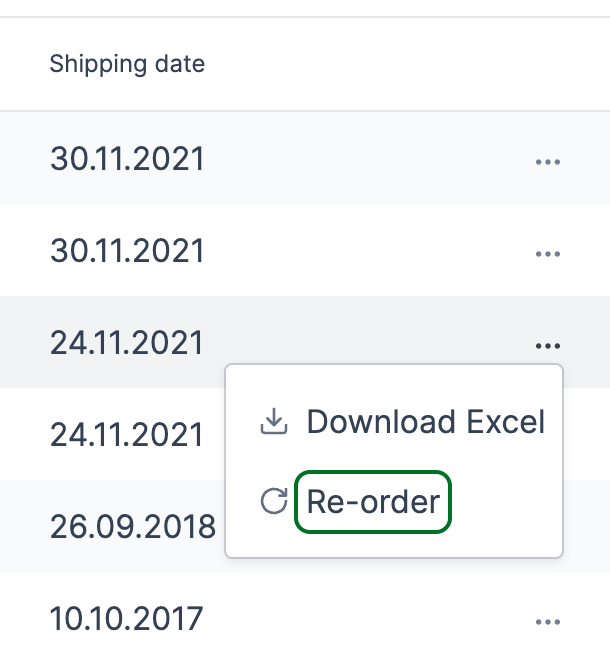
- In the order’s row, select the ⋯ button, then Re-order.
- Terminal opens Final confirmation with the earlier order’s SIM type, data package, shipping location and note. Check them.
- To change anything, for example the number of SIMs, select Edit SIM order details.
- Select Submit SIM order.
Your account manager then contacts you to confirm the order, as for any new order. See Order new SIMs.
If you need the list of SIMs in an earlier order
- On the Orders tab, select the ⋯ button in the order’s row.
- Select Download Excel.
To get all orders in one file, select Export all orders.