Check who changed what in the Event log
Find out who changed something in Terminal and when, for example who put a SIM Offline or who signed in. The Event log records actions by your users, by the API and by Terminal itself.
Before you start
- You’re a Company administrator, or an Operator whose permissions allow it.
Open the Event log
- Select your profile icon, then Event log.
The Event log lists each action with its Author, Event, Description and Time. It starts with this month’s events, but goes back to when your company’s account was created. To see older events, filter by Time period.
The Author is the user’s email address. SYSTEM means Terminal made the change on its own, for example putting a SIM Offline when it reached its data limit.
Find a change
- Select Filter events.
- Filter by Affected SIM, Author, Event, Time period or Description.
- Select Apply filters.
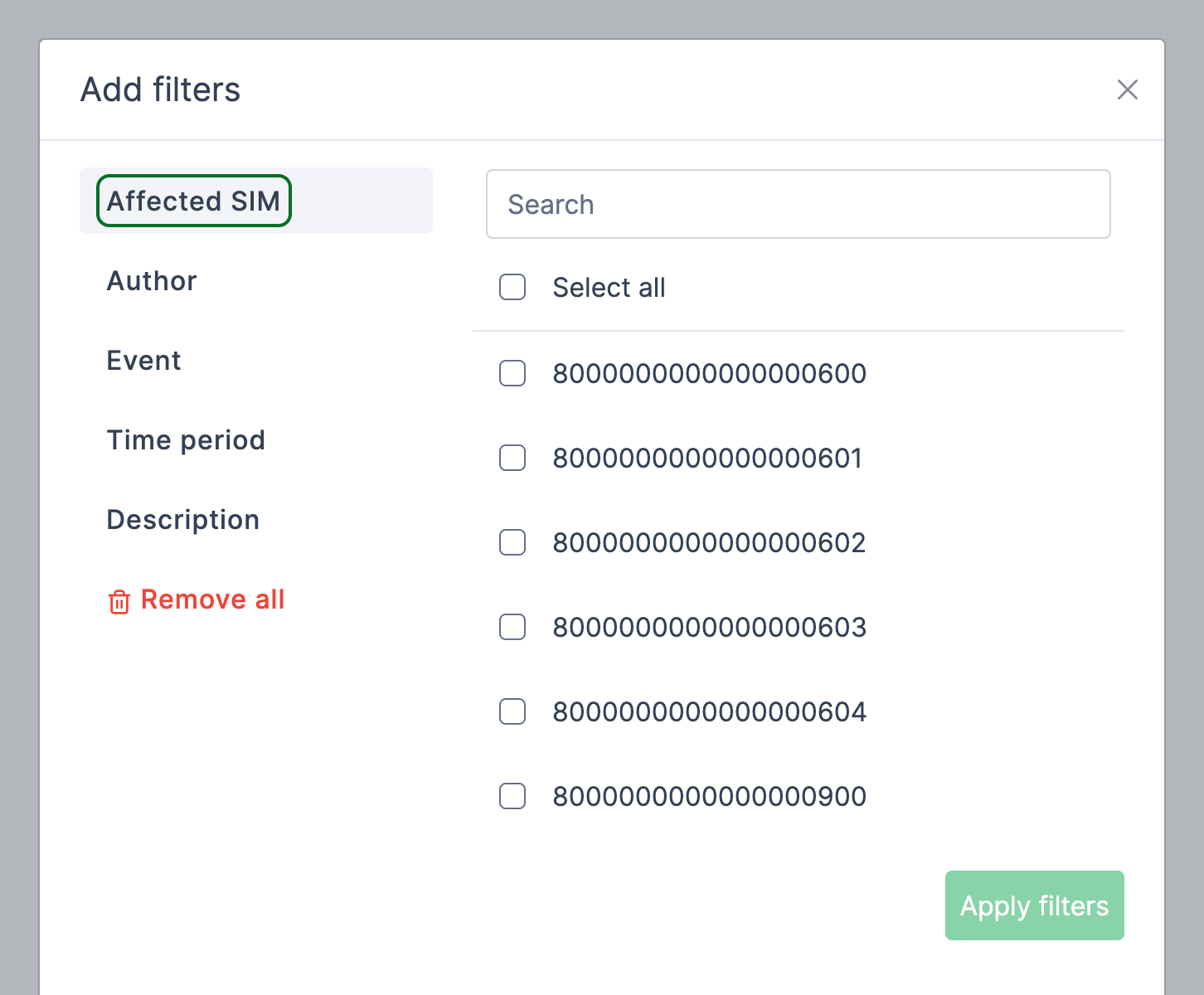
For example, to see who changed one SIM, filter by Affected SIM. To see everything one person did, filter by Author.
To see the changes to one SIM, you can also open the SIM’s details page and go to Usage inspection > SIM events.
Export the Event log
- Filter the events, if you want only some.
- Select Export XLSX.