Set up your first SIMs
In this tutorial you put a new SIM in a device, switch it on in Terminal and watch it connect. At the end you see the SIM’s first data session on its details page.
Before you start
You need:
- a 1oT SIM from your first order, and its ICCID (printed on the SIM card)
- a device with a cellular module, and a way to change its settings
- a user account for 1oT Terminal with permission to change SIM statuses
Find your SIM in Terminal
- Sign in to 1oT Terminal and go to SIMs.
- In the search box, enter the last digits of your SIM’s ICCID.
You now see your SIM in the list, with the status Shipping. A SIM in Shipping can’t connect and costs nothing.
Set up the device
- Put the SIM in the device.
- Set the device’s APN to
terminal.apn. - Turn on data roaming.
For the full list of settings, see Device settings for 1oT SIMs.
Switch the SIM on
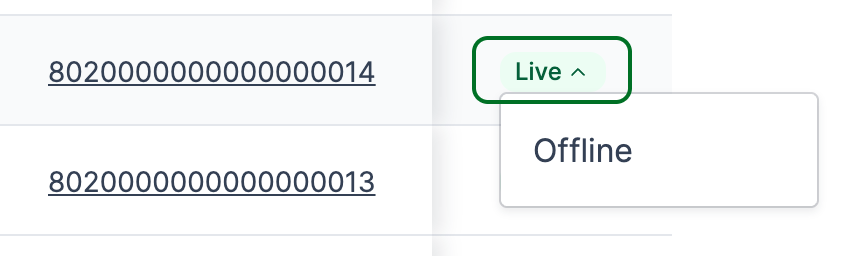
- In the SIMs list, select Shipping in your SIM’s SIM status column.
- Select Live.
You now see the status change to Live within 5 minutes. A Live SIM can connect and use data, and costs a monthly fee from now on.
Watch the SIM connect
- Switch on the device.
- In Terminal, select your SIM’s ICCID to open its details page.
- On the Connection tab, check Recent connection.
You now see the network and country the SIM connected to.
- Open the Usage inspection tab, then Network sessions.
You now see the SIM’s first Data session.
What you’ve done
You found a new SIM in Terminal, set up its device, switched the SIM on and saw its first data session.
Your other new SIMs stay in Shipping until you switch them on or their automatic billing date arrives. To choose what happens on that date, see Choose what happens on your automatic billing date.