Device settings for 1oT SIMs
The settings your device needs to connect with a 1oT SIM. Set them before you switch the SIM on.
Data settings
| Setting | Value |
|---|---|
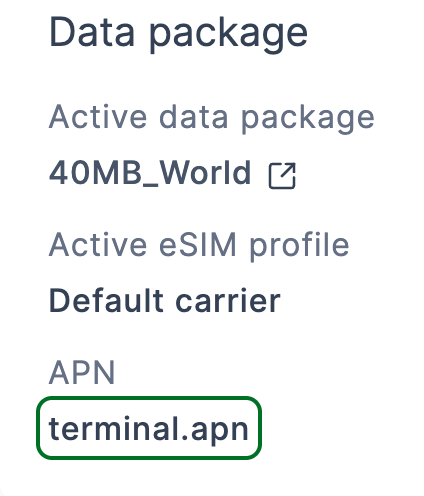
| APN | terminal.apn. The APN for each SIM shows on its Data package & eSIM tab in Terminal. Use that one if it’s different. |
| APN username | None. Leave it empty. |
| APN password | None. Leave it empty. |
| Authentication | None. |
| Data roaming | On. 1oT SIMs roam on partner networks in every country, including the one they’re from. |
| Network selection | Automatic. See How a device chooses a network. |
SMS settings
| Setting | Value |
|---|---|
| SMS centre number | Leave as the SIM sets it. |
Network technologies
Which technologies your device can use, such as 4G, NB-IoT or Cat-M1, depends on the country and network. See Check which networks a data package covers.