Check a SIM’s usage and sessions
See one SIM’s data and SMS usage, every data session and SMS, and the changes Terminal made to it.
See the SIM’s latest connection
- Go to SIMs and select the SIM’s ICCID to open its details page.
- Open the Connection tab.
Under Recent connection, Terminal shows the Last network activity, Last country, Last network, Radio Access Technology, Last data session, Session duration and Data usage this session. Select Refresh for latest update to load the newest values.
See usage for a period
- On the SIM’s details page, open the Usage inspection tab.
- Select the dates at the top to choose the period. Terminal starts with the current month.
Terminal shows the Total number of sessions, Total data usage, Total nr of SMS received and Total nr of SMS sent for the period, and a chart of data usage per day. To save the chart, select Download SVG, Download PNG or Download CSV.
If the SIM went offline because it reached its data limit, a message above the chart says when.
See each data session and SMS
- On the Usage inspection tab, open Network sessions.
- The Session log lists each data session and SMS with its Start timestamp, Data usage, Session duration, Country, Network and Technology (RAT).
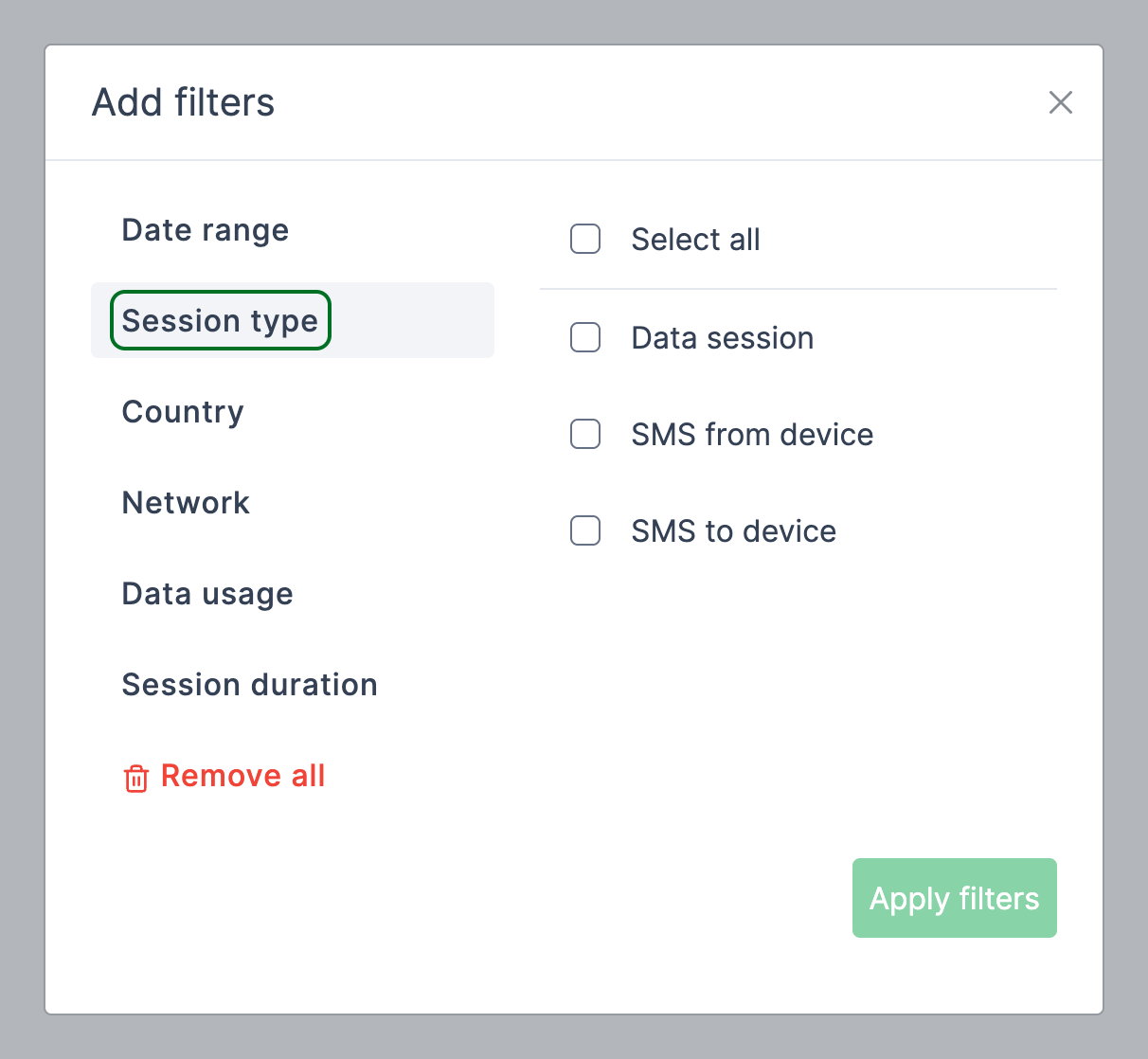
- To narrow the list, select the filter button and choose Session type, Country, Network, Data usage or Session duration. Under Session type, choose Data session, SMS from device or SMS to device.
- Select Apply filters.
Terminal shows 10 rows at a time. Select Load more to see more. To get the whole list as a file, select the download button above the table.
Depending on the SIM’s telecom, Terminal gets usage close to real time or in batches after each session ends, so the newest session can take a while to appear. See Why usage numbers differ between screens.
See when the SIM’s status changed
- On the Usage inspection tab, open SIM events.
The Event log lists each change with its Time, Description and Author. Changes Terminal made on its own, such as putting the SIM Offline at its data limit, show SYSTEM as the author.